A vector outline is not a larger bitmap
An image stores a grid of pixels. SVG can describe lines, curves, and shapes that remain editable as drawing elements when you open the file in a suitable application.
The useful image to SVG result is one you can inspect and refine. Enlarging the original image does not create those paths; the conversion provides an initial interpretation for your editing workflow.
SVG can also contain an embedded image
The SVG extension alone does not prove that a file contains editable contours. An SVG can wrap a bitmap image, which still behaves like a picture when you try to change individual features.
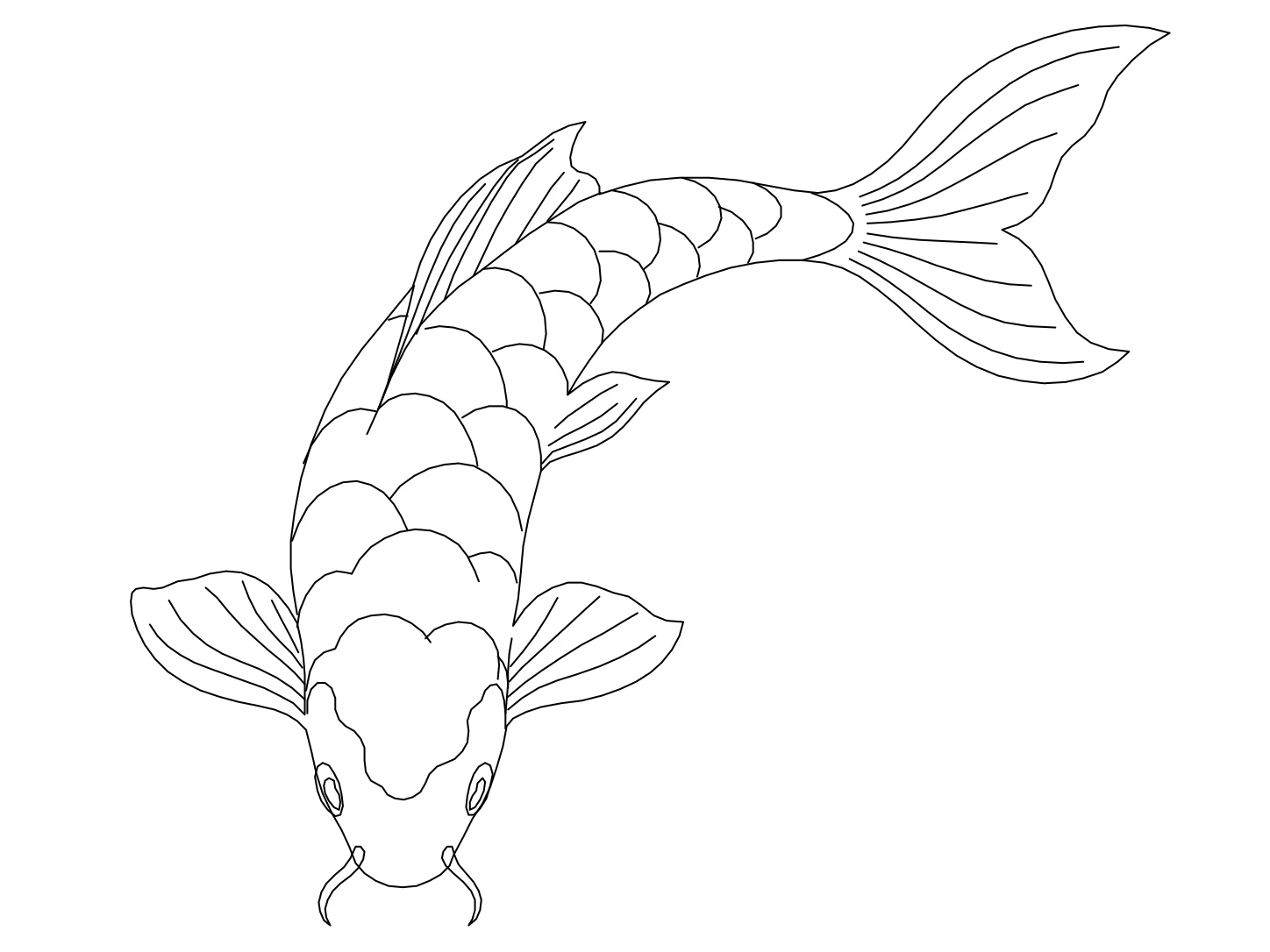
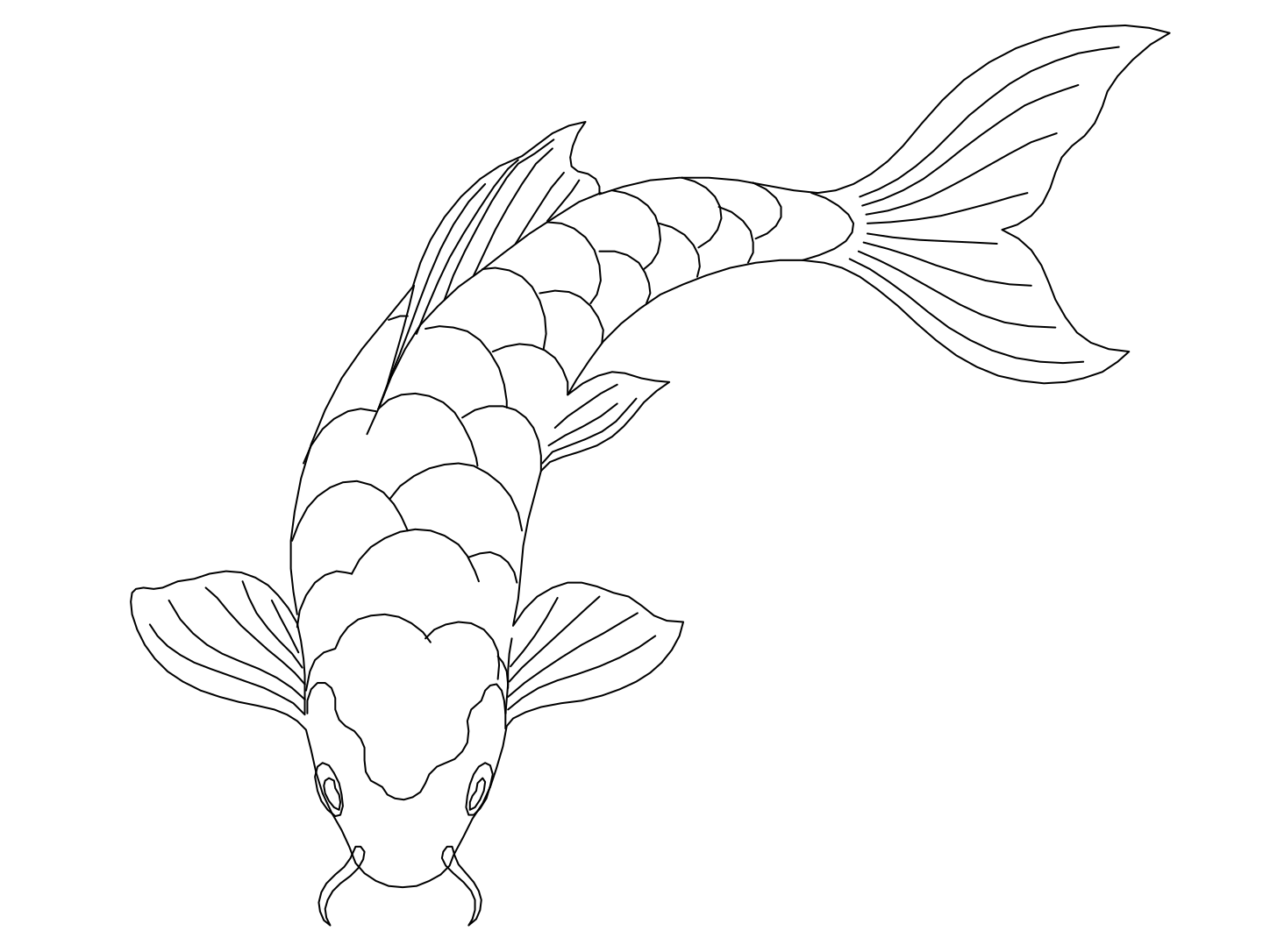
Open your SVG and select an element to see what your editor received. Our downloadable download contains vector geometry so you can try that editing experience before submitting your own image.
A scalable path still needs a design review
An SVG outline can be resized without creating a new pixel grid, but small details may not read well at every size. Review the result in the context where you want to use it.
Compare the SVG with the source image while simplifying interior lines, adjusting spacing, or refining a curve. Scaling flexibility does not decide which features should remain in the graphic.
Choose SVG for the task that follows
Use SVG when the image is a starting point for vector graphics, decorative artwork, or another path editing task. Choose DXF instead when the next stage belongs in a CAD application.
A PNG preview accompanies the editable exports when someone only needs to see the result. Keep the SVG for ongoing changes and share the preview without requiring a collaborator to open a vector editor.