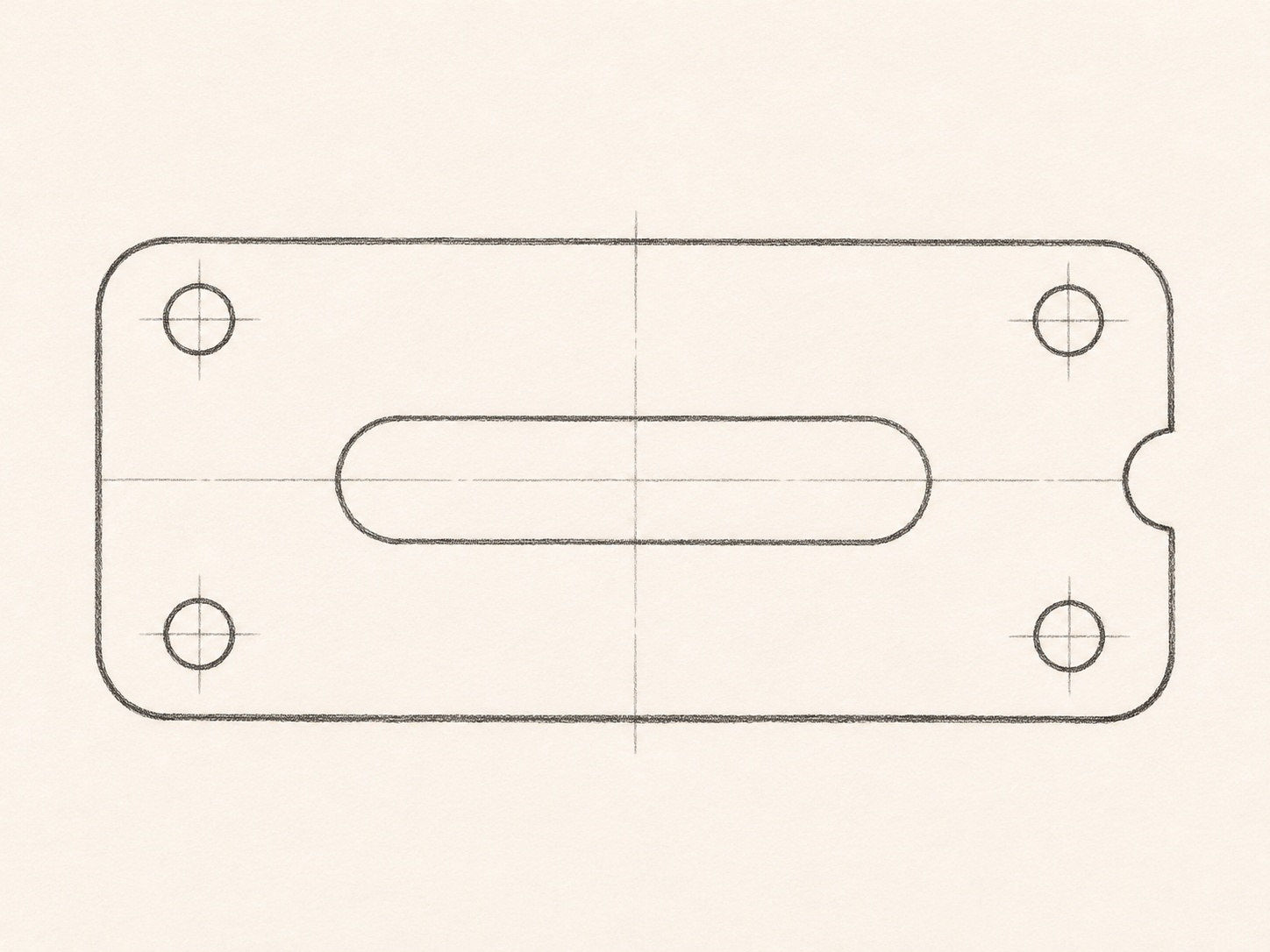
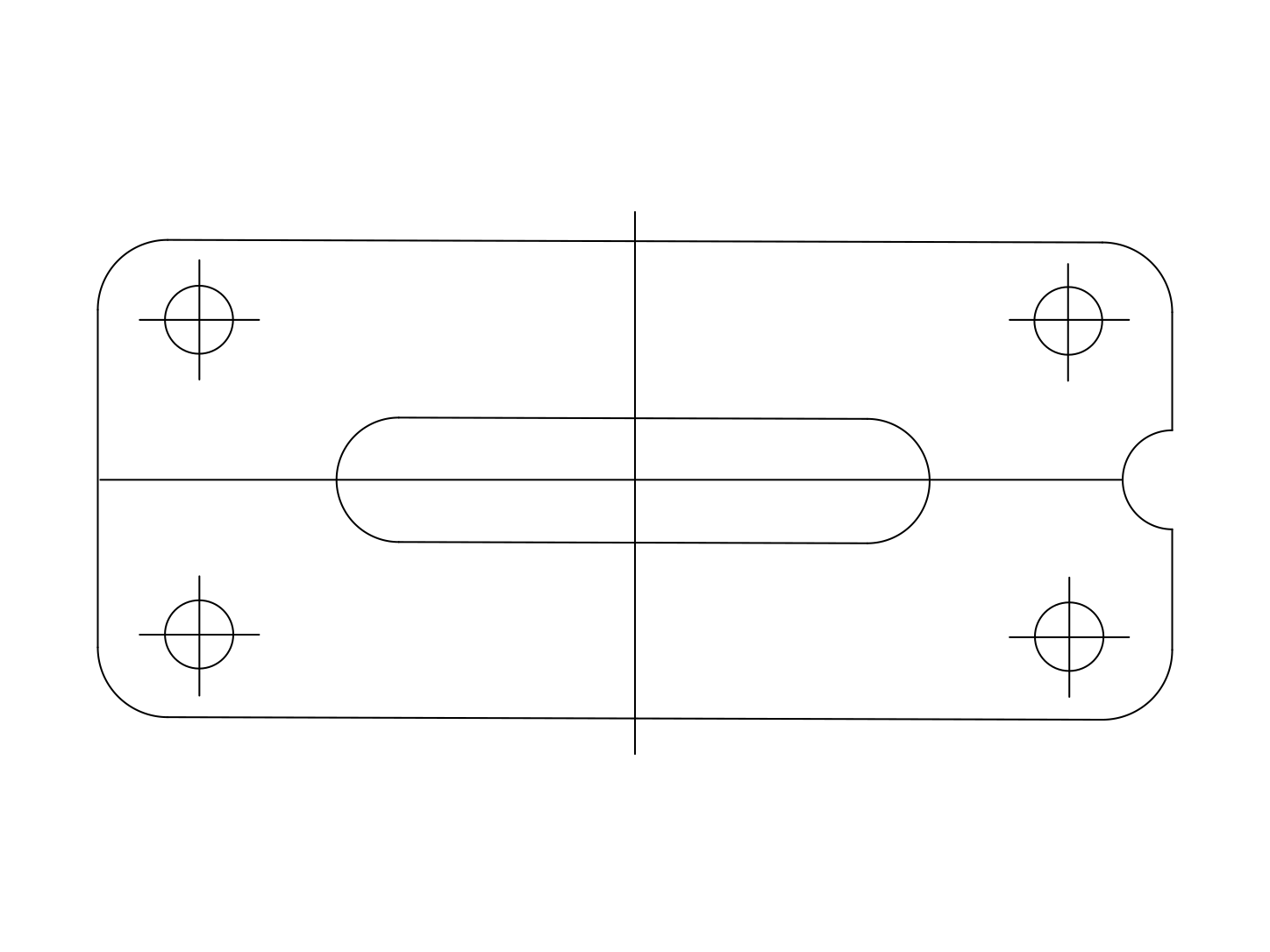
Compression can change a thin edge
JPG uses lossy compression, which can soften a fine outline or introduce small halos around high contrast areas. Repeated saves may leave less detail than the original camera file.
Choose a clear JPG before starting the SVG conversion. Enlarging a tiny image does not restore the missing edges, and an SVG cannot reliably recover information that is no longer visible in the source.
Light can introduce an extra contour
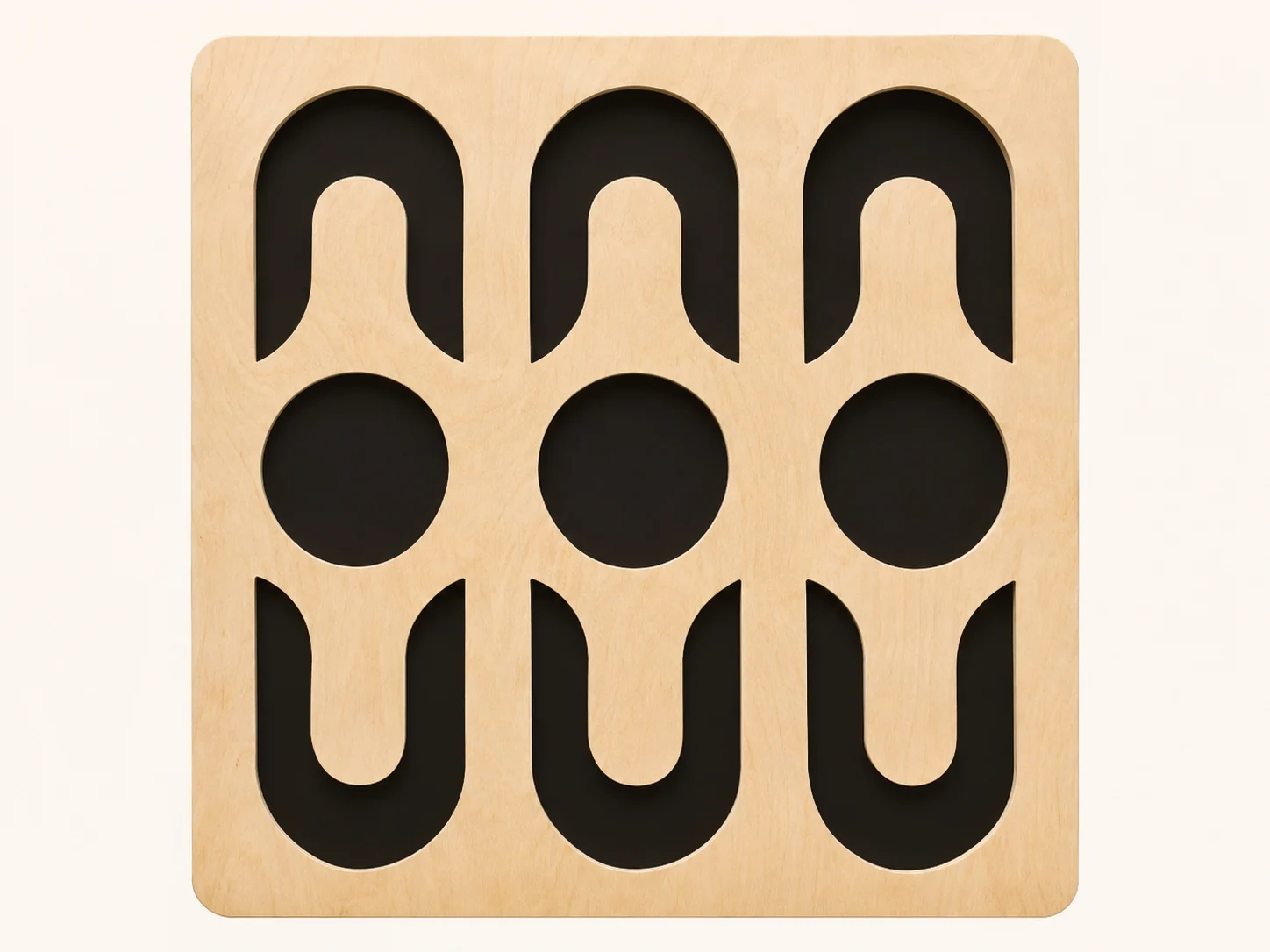
A JPG may show shadows, bright reflections, or texture that are useful in a photograph but unnecessary in an outline graphic. Inspect the SVG with that distinction in mind.
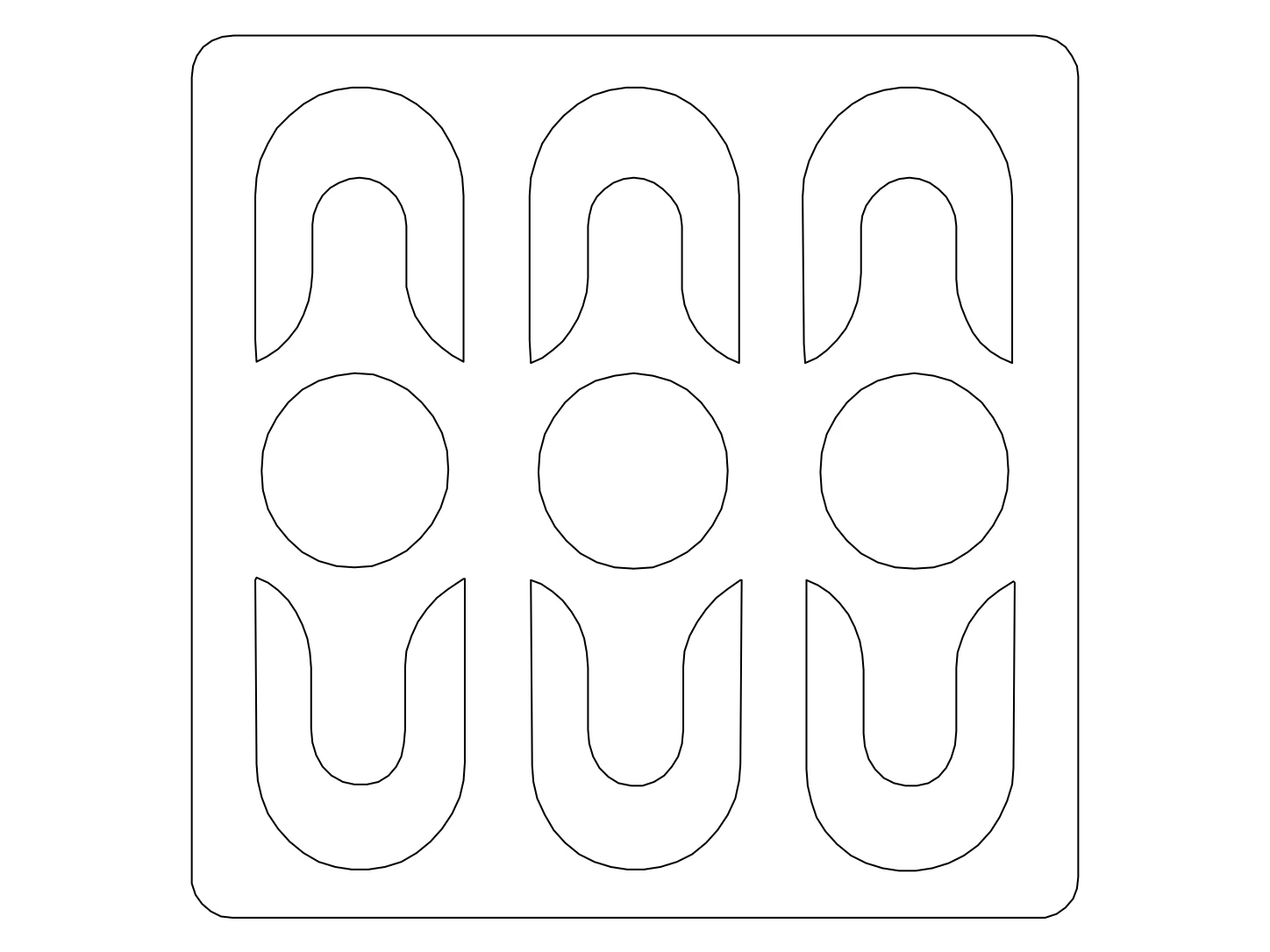
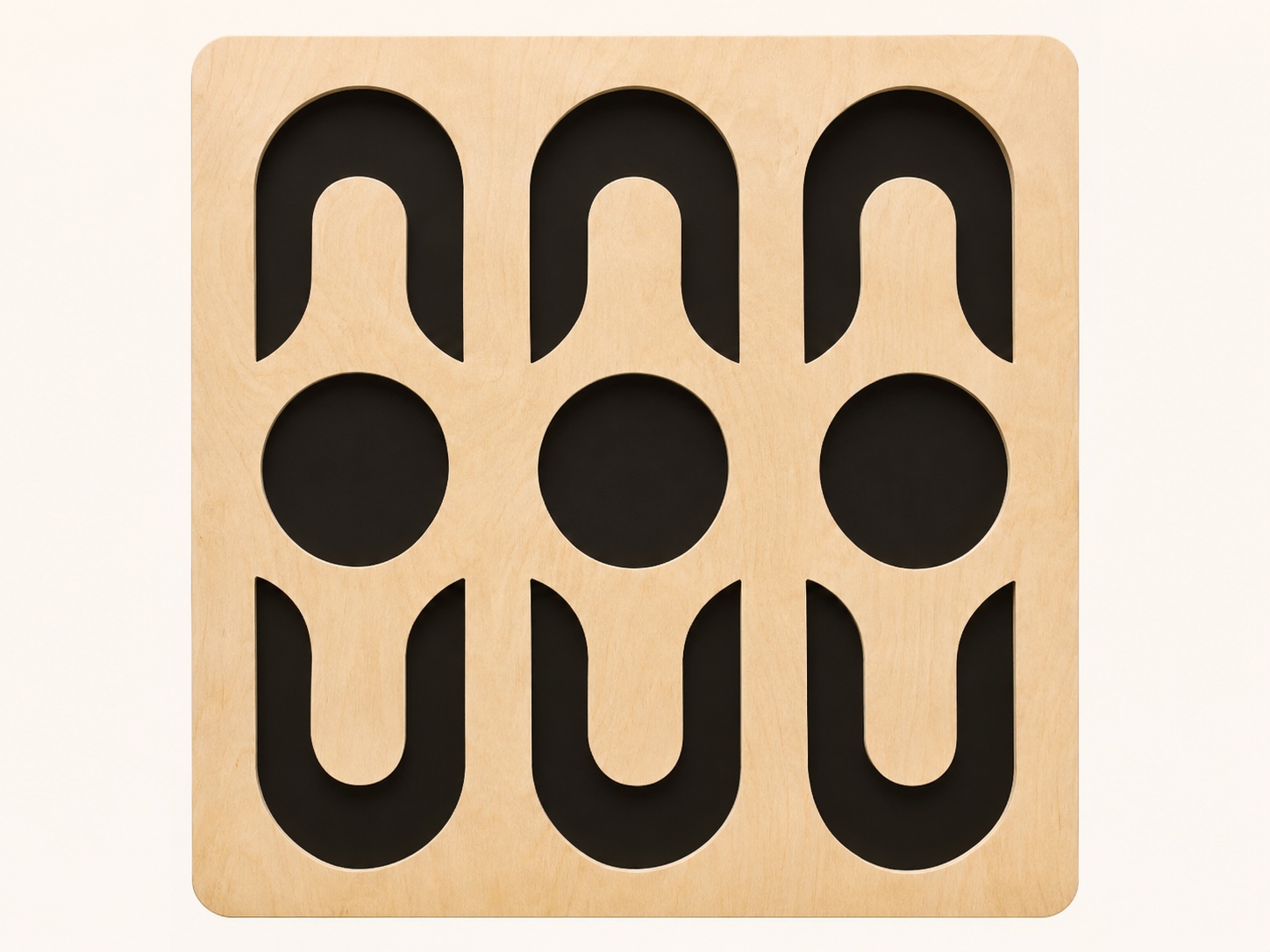
For a decorative object, compare the true outer boundary with any shadow behind it. A cleaner JPG gives you an easier reference, but the SVG still needs your judgment about which paths to keep.
The view keeps its perspective
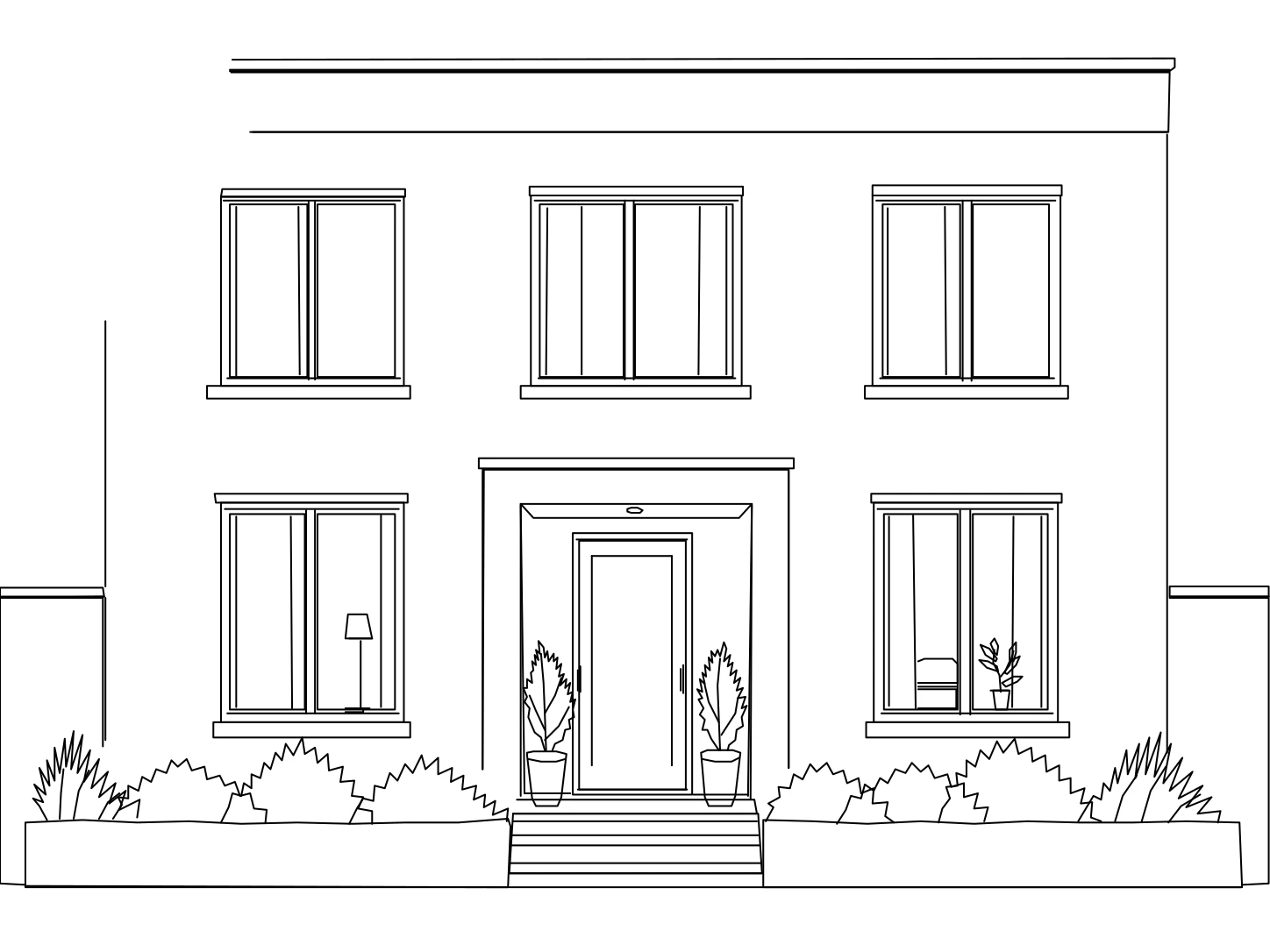
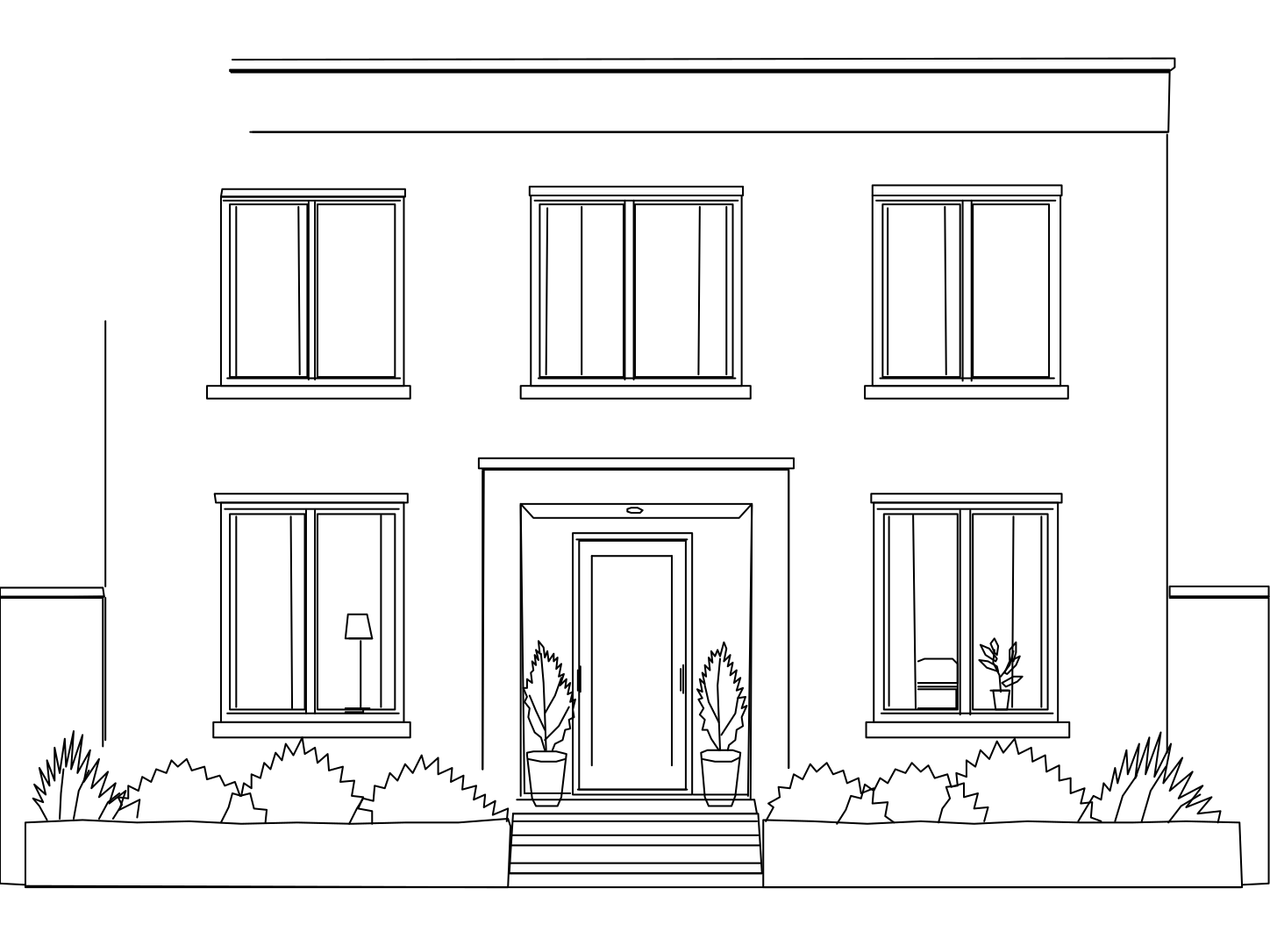
A JPG taken from an angle changes the visible proportions of the subject. Converting the image to SVG does not guarantee a corrected orthographic view or a true scale drawing.
If the graphic needs a straight front view, choose a more suitable JPG before converting. Use the SVG to develop the visible composition rather than assume the paths establish dimensions hidden by perspective.
SVG editing is different from photo retouching
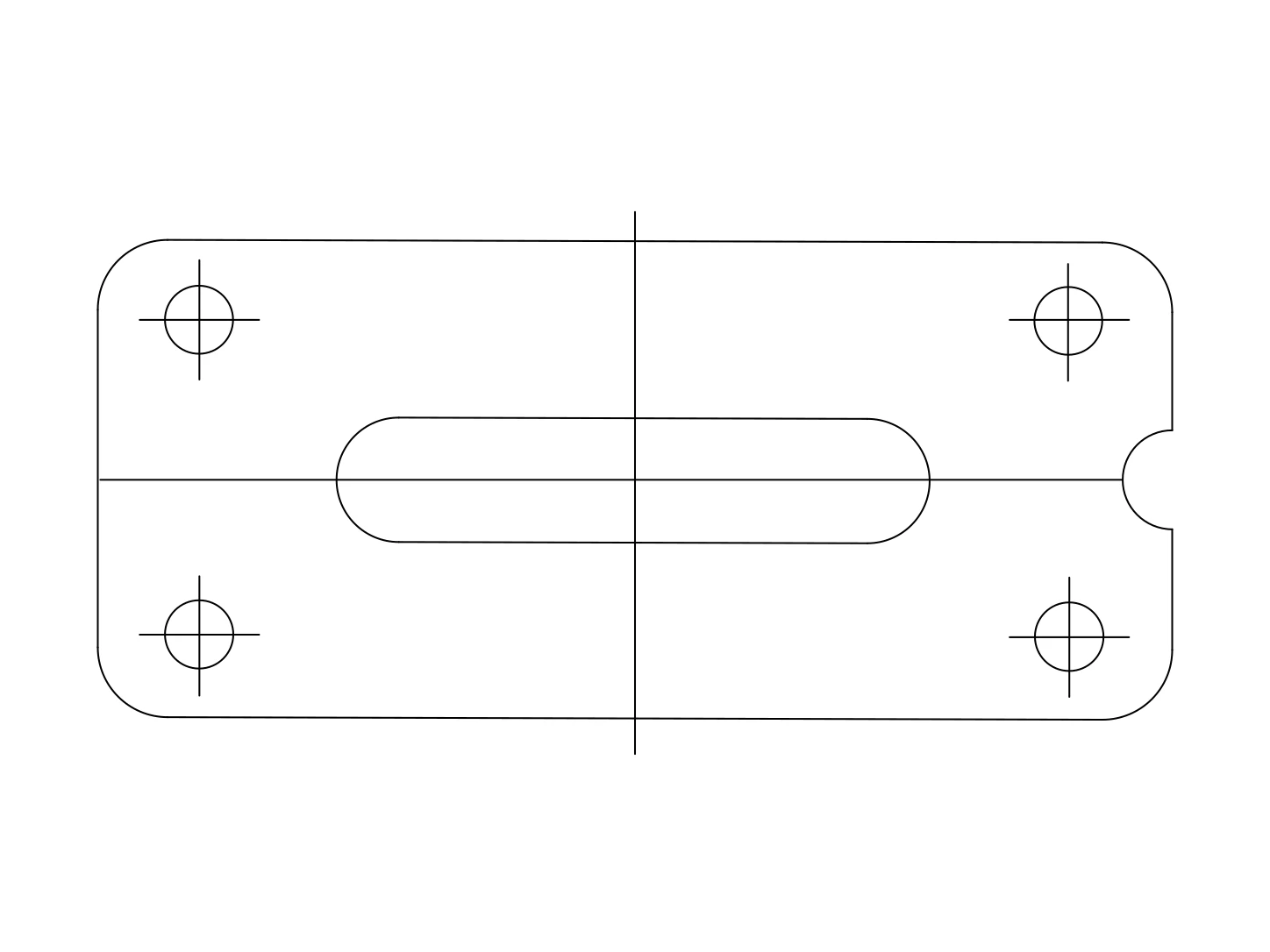
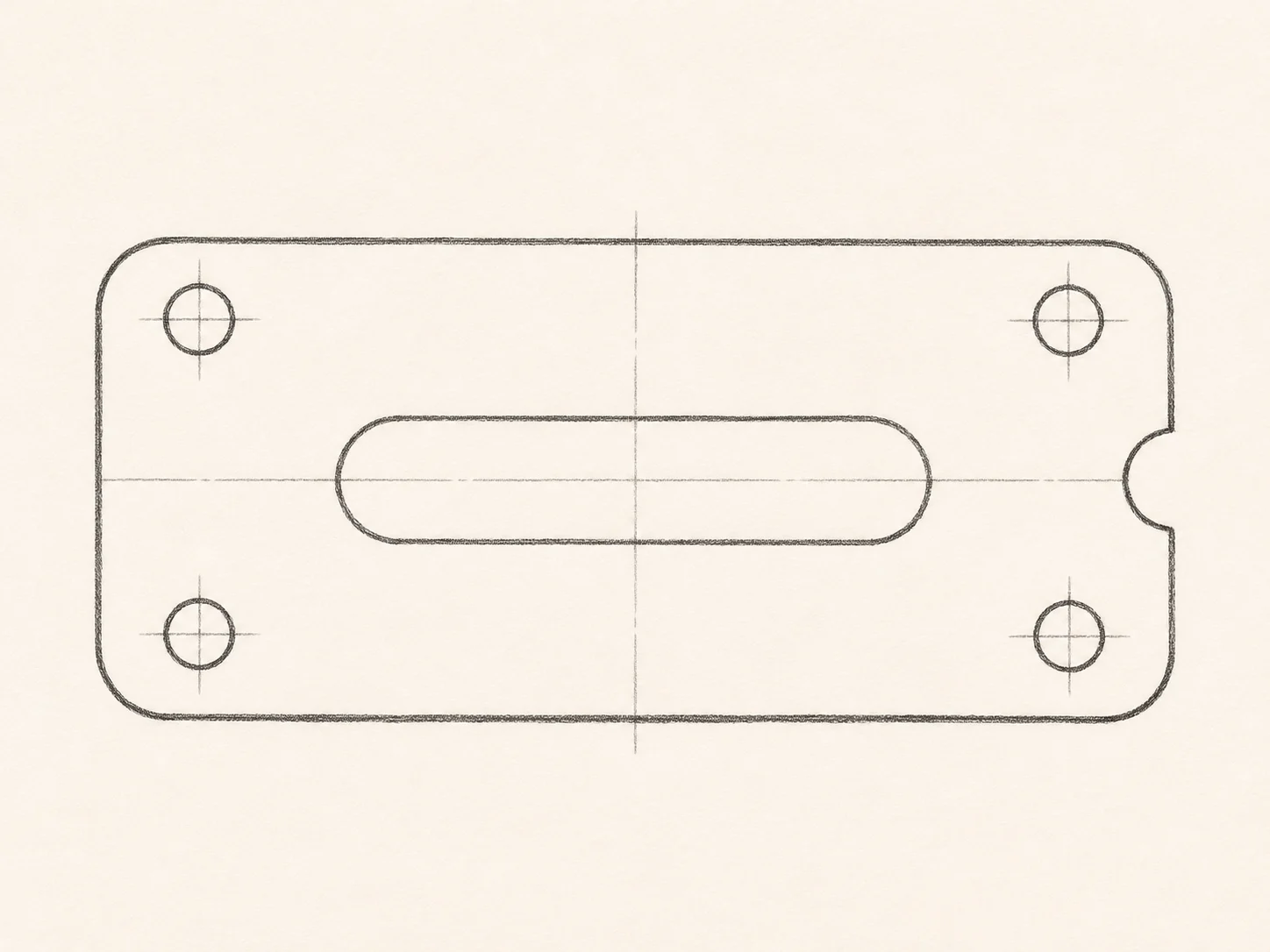
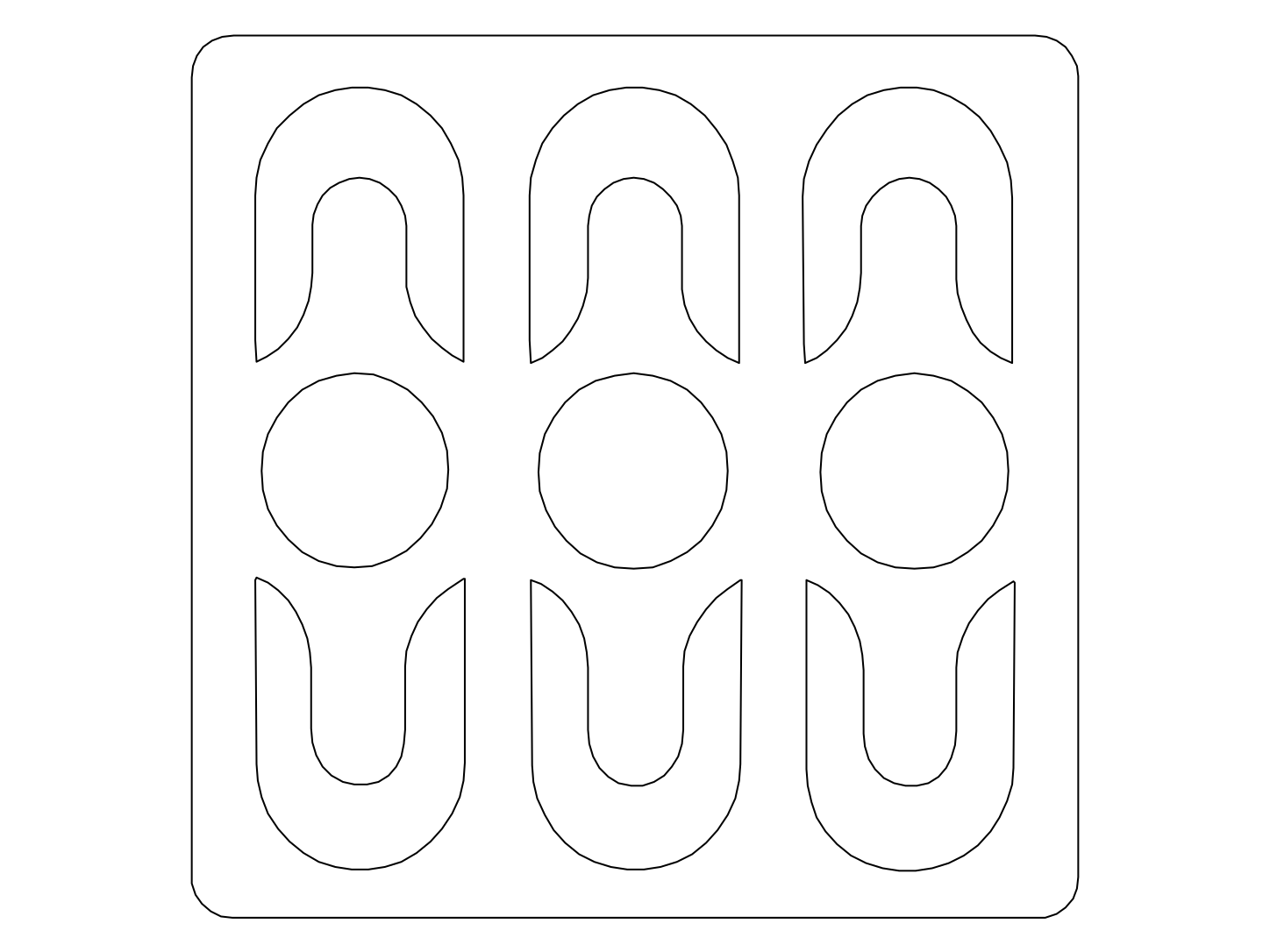
An SVG gives you drawing elements to adjust in a vector editor. It is useful when the next task involves an outline, a simplified illustration, or another graphic layout based on the JPG.
It does not promise a full color vector reproduction of the original photograph. Keep the JPG for its photographic appearance and use the SVG when editing the interpreted linework is the more useful goal.