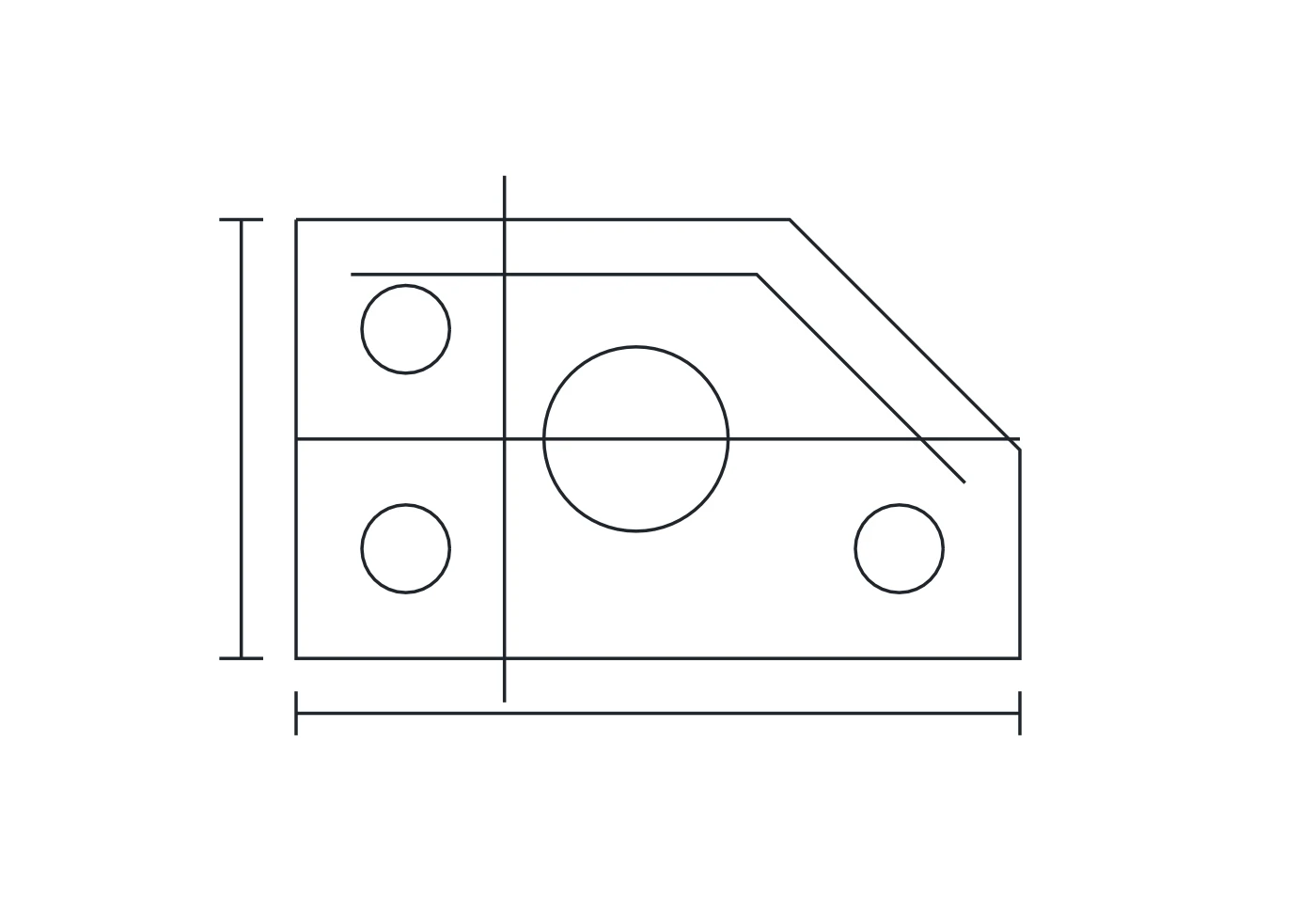
Supported paths and basic shapes
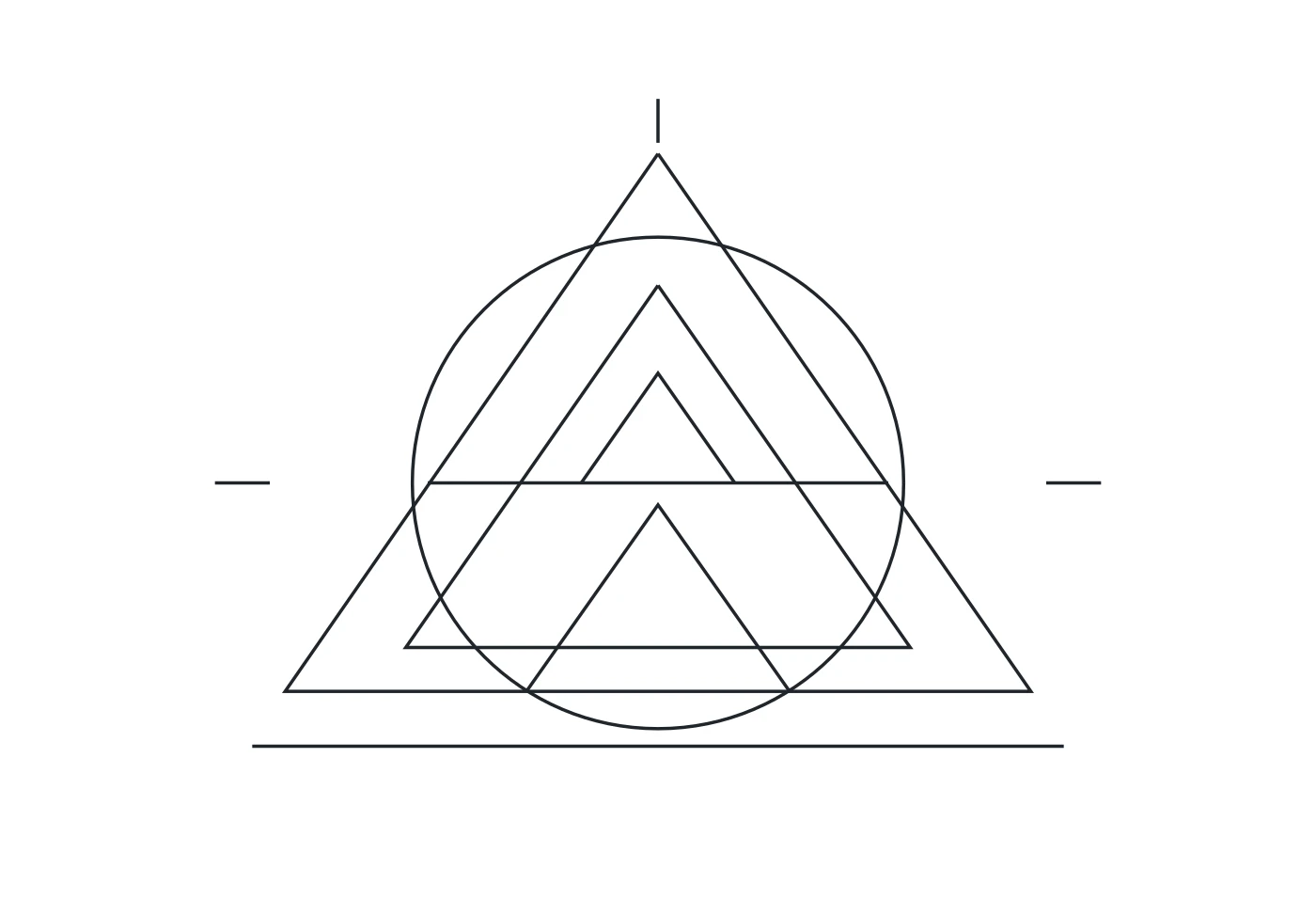
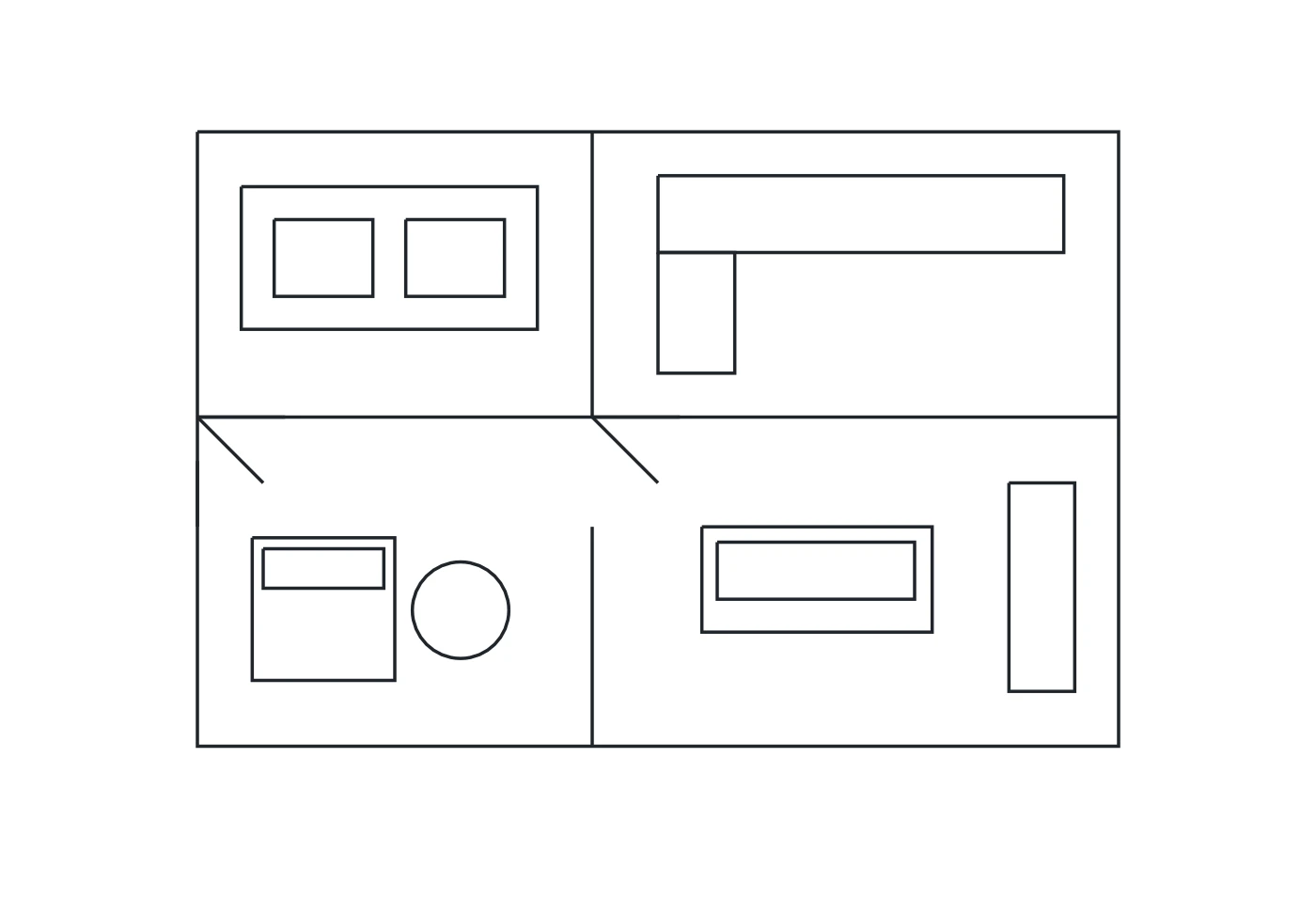
The SVG reader accepts paths, lines, polylines, polygons, rectangles, circles, and ellipses. Supported group transforms are applied to the contour coordinates before the DXF is created.
Prepare a focused SVG with the shapes you need. Text, reused symbols, embedded images, CSS blocks, masks, clipping, and filters need preparation in your editor rather than being silently treated as equivalent DXF geometry.
Curves are exported as approximate polylines
An SVG curve describes a smooth shape. This converter samples its geometry into connected vertices and writes those contours as DXF polylines, including the closed state where the source path defines it.
Inspect curved regions at the size relevant to your project. The SVG approximation is intended as an editable start, not a guarantee of an exact arc, spline, centerline, or manufacturing tolerance in the DXF.
Stroke width is not a new boundary
An SVG path can have a thick visual stroke while its underlying geometry remains one path. The DXF follows that geometry rather than automatically outlining the visible width of the stroke.
If your project needs the outside edges, expand the stroke into outlines before exporting the SVG. Review the resulting contours in CAD instead of assuming the DXF reproduces every styling choice on screen.
Units and cutting intent stay with your project
The DXF output is unitless and uses a consistent drawing orientation for the SVG contours. It does not automatically infer millimeters, inches, tool diameter, cut order, or material allowances.
Choose import units and scale the DXF with a reliable reference. Check the SVG design and exported contours before developing toolpaths or using the file as a physical production drawing.